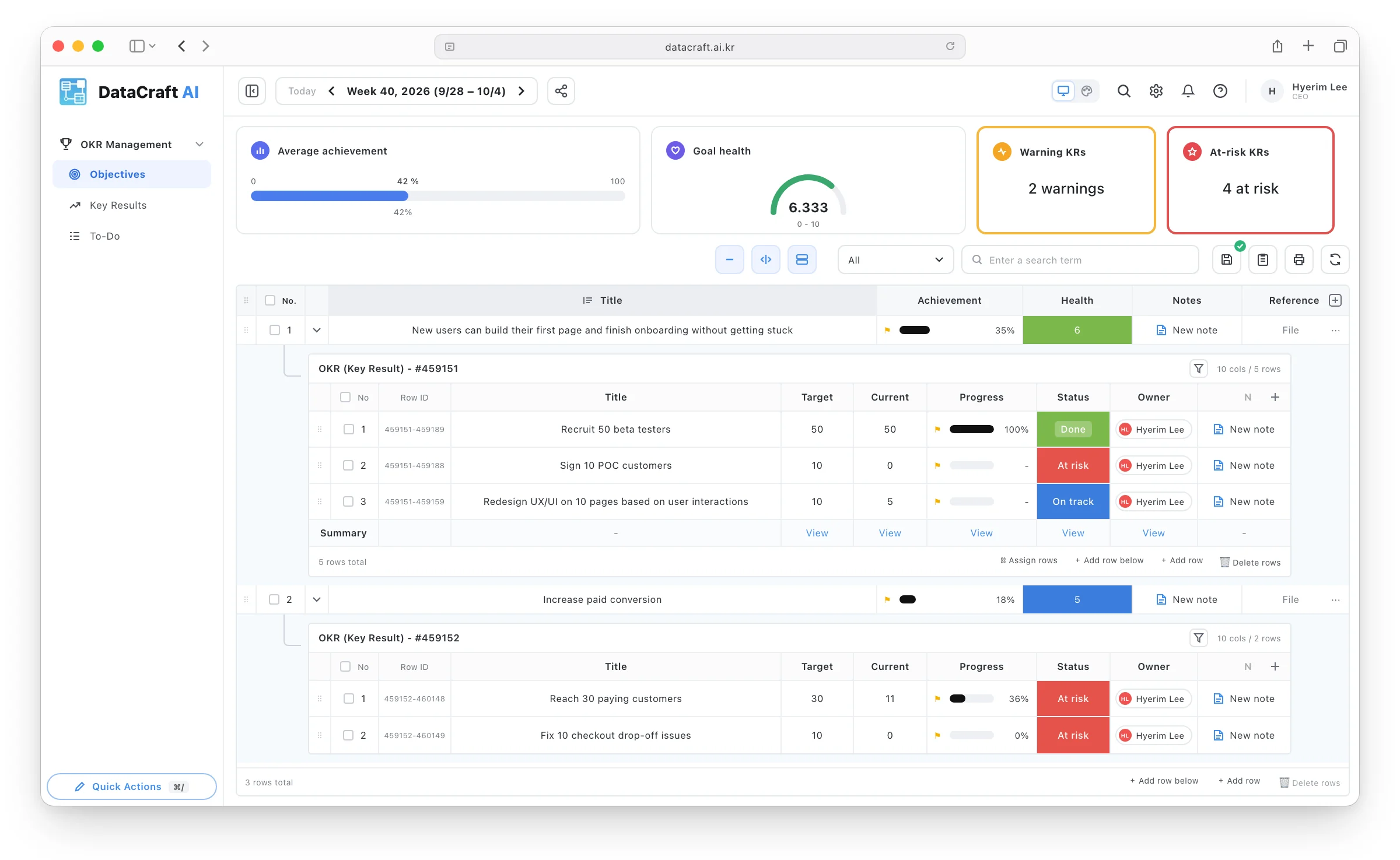
A month with an agency. Five minutes with DataCraft.
Describe the screen you need, or upload the spreadsheet or sketch you already use —
it becomes a working system.
- Ask in plain words, get a screen
- Upload Excel or a sketch, get a system
- Five minutes is enough
How long will you keep bending your workflow
to fit a fixed system?
Your own work solution,
built by non-developers in 5 minutes
Scattered work data in one place,
10% less time on the work
Ask in words — AI turns it into your company's system
into a system.”
- Sales
- Projects
- Production
- Inventory
Build it with AI. Refine it by hand.
Your team's work screens,
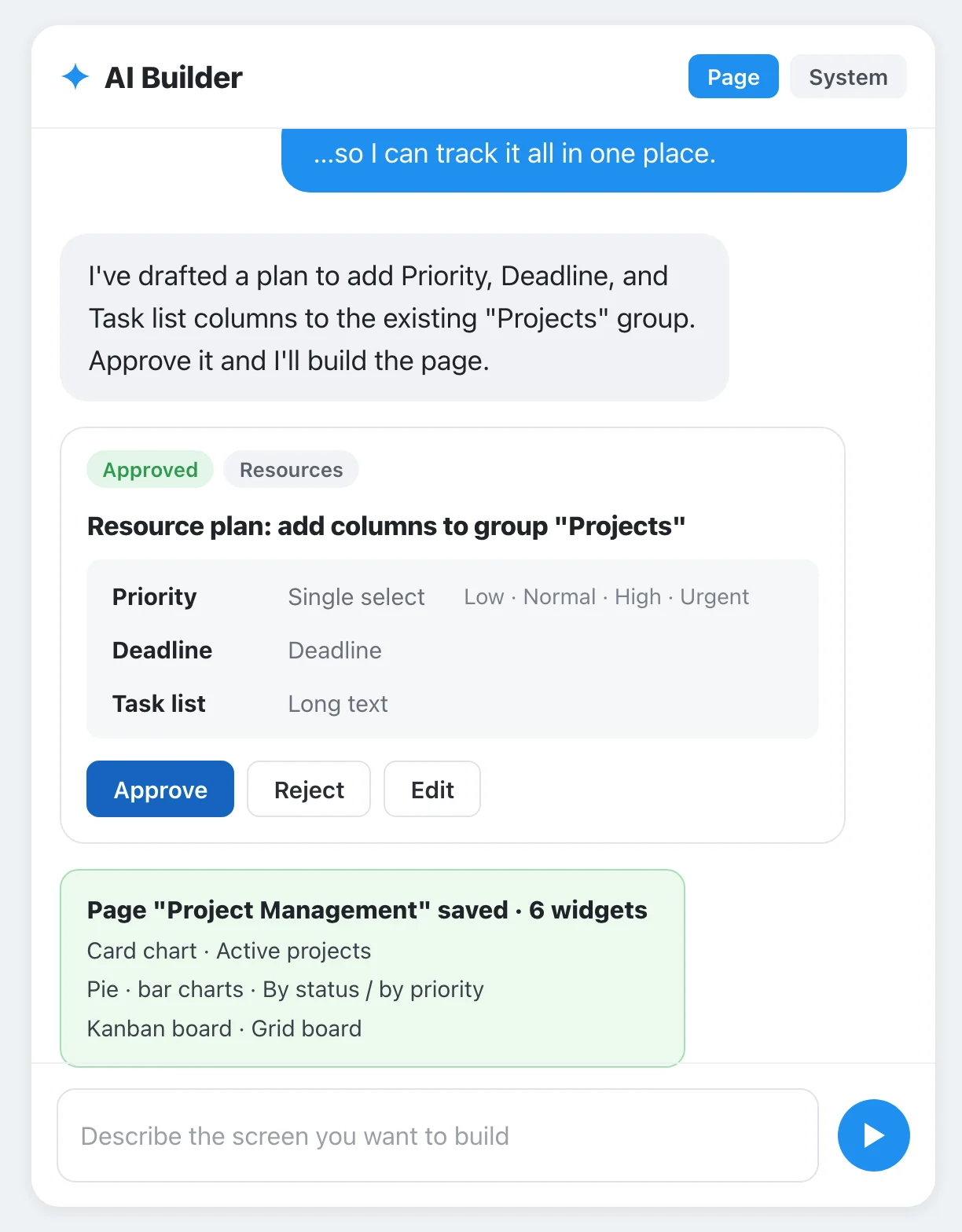
from a single prompt
- Create and edit screens by chatting
- Generate screens from Excel, PDF, or images
- Review and approve a plan card before saving
Stop fitting your workflow
into someone else's UI
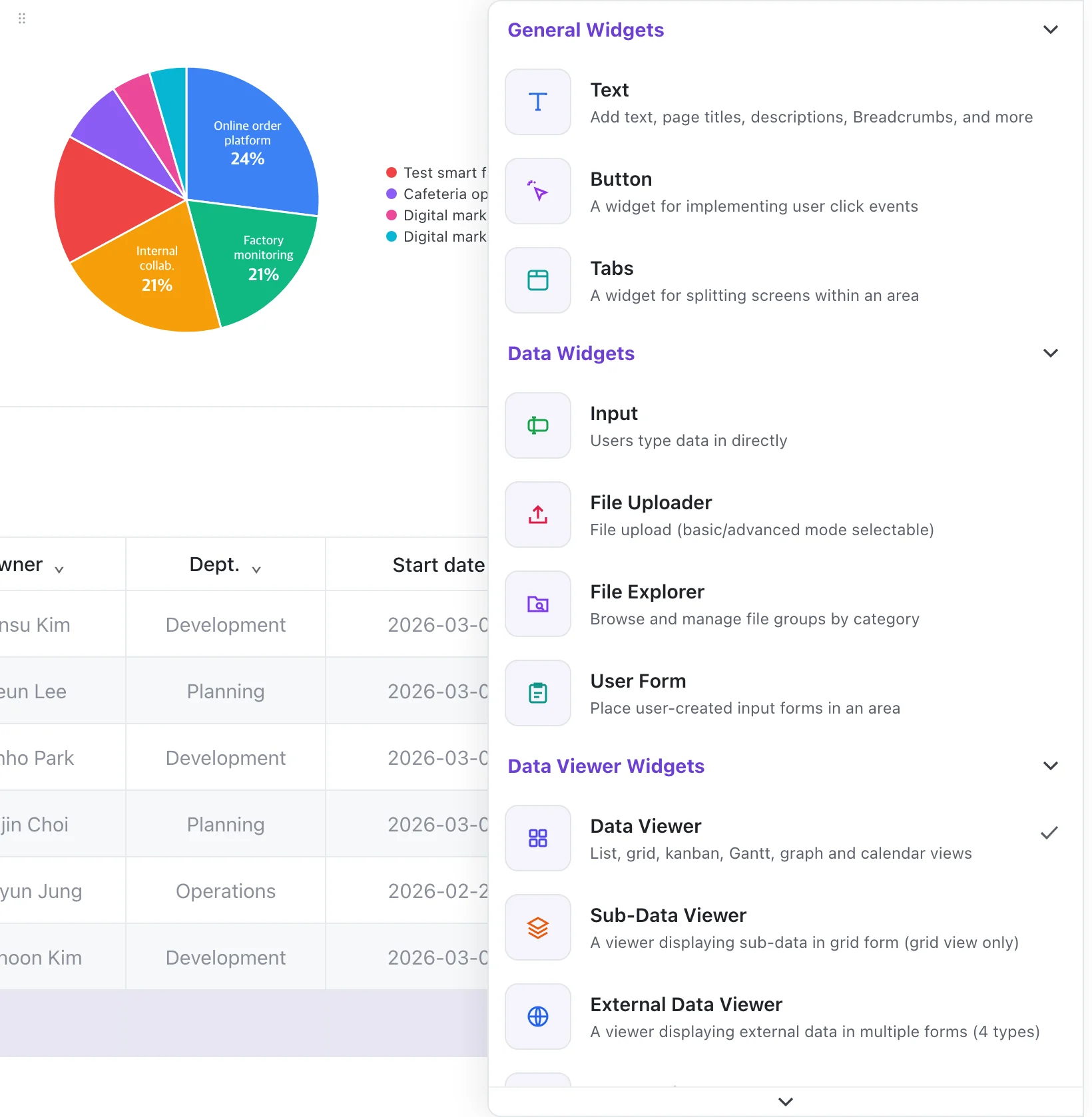
- Drag-and-drop screen layout
- 75 UI widgets in 8 categories
- Per-widget settings for data, color, and alignment
- EAV-based data warehouse for flexible data modeling
The upside of custom builds and SaaS —
without the fragility or the waiting
- High development cost
- Every small change means a new quote and more waiting
- You bend your workflow to a fixed UI
- Complex features, limited usability
- System errors and data inconsistencies
- Growing operational burden to keep it stable
- Fast to adopt, easy to use
- A system built around your workflow
- Runs reliably on proven DataCraft AI
Would you trust your operations to a vibe-coded system?
Frequently asked questions
What is DataCraft?
DataCraft is an AI no-code Work OS for building the work systems your company needs — without writing code. Describe the screen you want, or upload the spreadsheet or sketch you already use, and AI builds the screens and data structure; then refine them with drag and drop. DataCraft is built and run by FunShare Inc., based in Daegu, South Korea.
Can I build it without any coding experience?
Yes — no code at all. Ask for the screen you need in plain language and the AI Prompt Builder creates it. Make changes the same way, or arrange 75 widgets across 8 categories with drag and drop.
How long does it take to build a work system?
As in our demo video, you can build a work system in five minutes. Work that used to take about a month with outsourced development can be built and adjusted on the spot by the people who need it.
Can I start from the spreadsheets or documents we already use?
Yes. Upload your existing Excel files, PDFs or images — even hand-drawn screen sketches — and AI reads the layout to generate similar work screens and a matching data structure automatically.
How is it different from off-the-shelf SaaS or collaboration tools?
With off-the-shelf SaaS, you bend your workflow to fixed screens and features. With DataCraft, you build screens and data structures around the way your team works, and change them as soon as your work changes. It's as tailored as outsourced development — without a new quote and more waiting for every change.
How much does it cost? Can I try it for free?
Start free on the Starter plan. Paid plans are $10 (Basic), $20 (Standard) and $26 (Premium) per month billed monthly, or $8, $15 and $19 per month billed annually (excl. VAT). Standard and Premium include one seat, with extra members billed per seat; Enterprise is custom-quoted.
Can I use it on mobile?
Yes. DataCraft Mobile is available on every plan, and higher plans add more mobile widgets.
Can I connect data from our other systems?
Yes, with the Craft AI Studio extension. Upload API docs, Swagger or PDF files and AI builds the integration, connecting CRM, ERP, MES, IoT and Excel data around DataCraft.